"How much does a WordPress website cost?" is usually one of the first questions when commissioning a site — and one of the hardest, because the same platform powers both a simple one-pager and a large website with integrations. That is why the real price depends not on WordPress itself, but on the scope of work that needs to be done.
The difference does not come solely from the number of pages. You also pay for analysing your offer, the site structure, the visual design, the copy, the mobile version, SEO, analytics, speed, testing and preparing the site for future development.
WordPress itself is free. However, it is only the system the site runs on. Just as a free text editor will not write your offer for you, installing WordPress will not replace the design, content and implementation.
In this guide we show how much a WordPress website costs in 2026, what a quote should include and how to compare offers that look similar at first glance.
In short
A WordPress website most often costs: a landing page from around £499 net, a small business site from around £699 net, and a large website with a custom design and integrations — anything from a few to several thousand pounds. The difference does not come from the number of pages, but from analysing your offer, the visual design, the content, the mobile version, SEO and analytics. On top of that come recurring costs: hosting, a domain, licences and maintenance.
TL;DR
- A landing page is usually cheaper than a full business site because it focuses on a single offer or campaign.
- A small service website usually starts from around £699 net, but a custom design, copy and extra features increase the budget.
- WordPress is free, but you have to account separately for the domain, hosting, licences and ongoing maintenance.
- The price depends more on the scope of work than on the number of subpages alone.
- Before comparing quotes, check whether they include design, content, the mobile version, SEO, analytics, testing and training.
- The lowest quote may be reasonable for a simple project, but it should not be compared 1:1 with a large implementation.
- The domain, hosting and admin accounts should belong to the client.
- This blog helps you estimate a budget, while the exact scope and price should follow from a brief.
How much does a WordPress website cost in 2026?
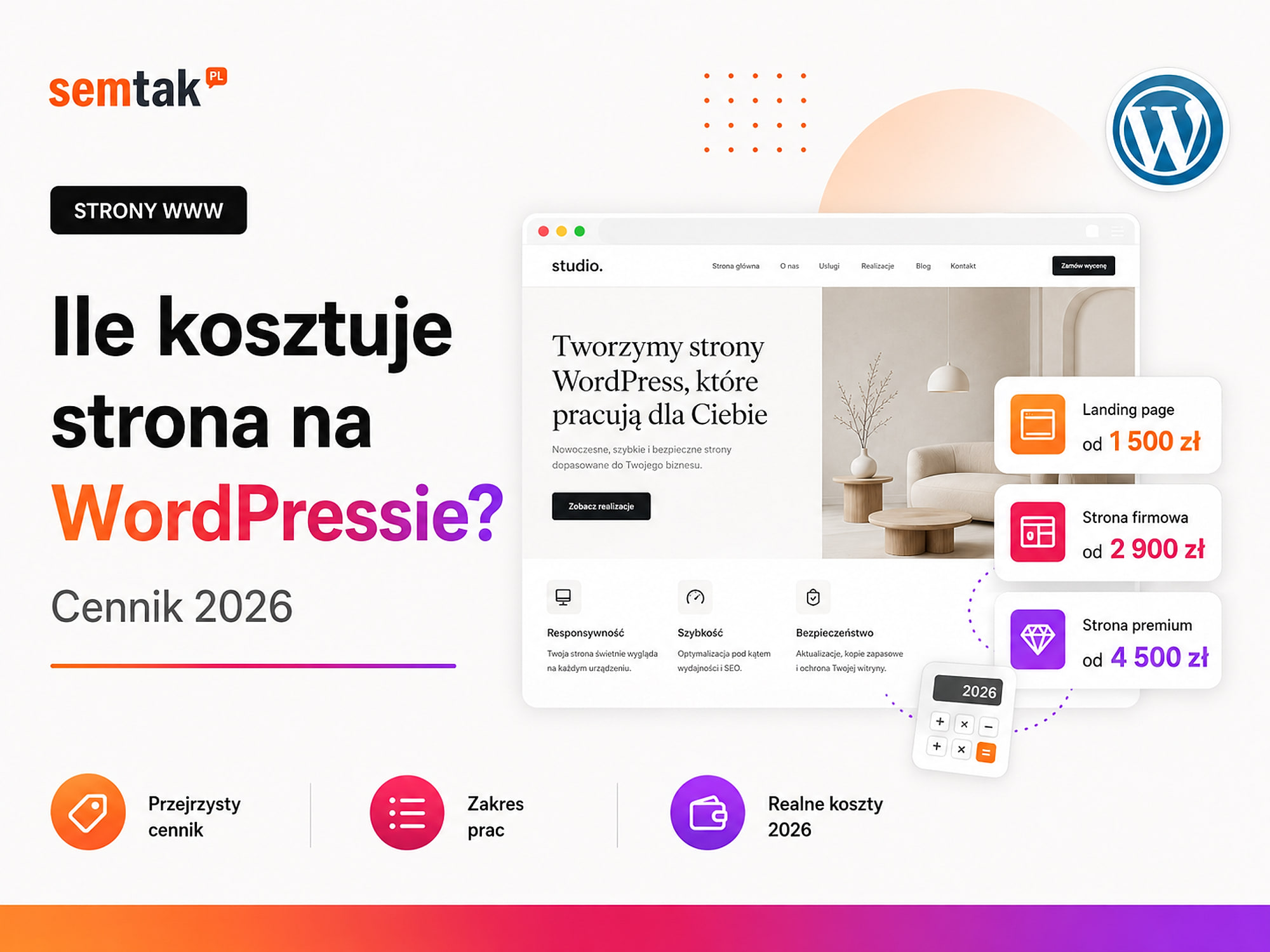
The indicative cost ranges from £499 net for a simple landing page to over £3,999 net for a website with bespoke features.
The table below is the main pricing ladder for the whole article.
| Type of site | Indicative net cost | Typical scope |
|---|---|---|
| Landing page | £499–£999 | One offer, campaign, form and measurement |
| Small service website | £699–£1,299 | About 5–10 core subpages |
| Complete business site | £1,299–£2,399 | Full offer, case studies, blog and extended contact |
| Large website | £2,399–£4,999 | Many services, locations, content types and integrations |
| Site with bespoke features | from £3,999 | Calculator, configurator, client area or API integrations |
These are ranges to help you plan a budget, not a fixed price list for every provider. The final price depends on the industry, the content, the number of views, the features, the integrations and the state of the materials provided by the client.
The current entry point and the scope of SEMTAK projects are on the WordPress website development page. A blog post is there to help you understand pricing, while the service page remains the place where the current offer is presented. If you already have a list of subpages and features, you can compare it with the scope of that service and see which project level it is closest to.
Net or gross prices? Work between companies is most often quoted in net amounts. So before comparing offers, check whether the stated price is net or gross, whether the provider is VAT-registered, whether licences are added separately, whether hosting and the domain are included in the price, and whether ongoing maintenance is mandatory. Two offers of £999 may in practice mean different final costs if one is net and the other gross.
Why does one site cost £299 and another £2,999?
Both implementations can run on WordPress, but differ in how they are prepared, the quality of the design and the scope of the provider's responsibility.
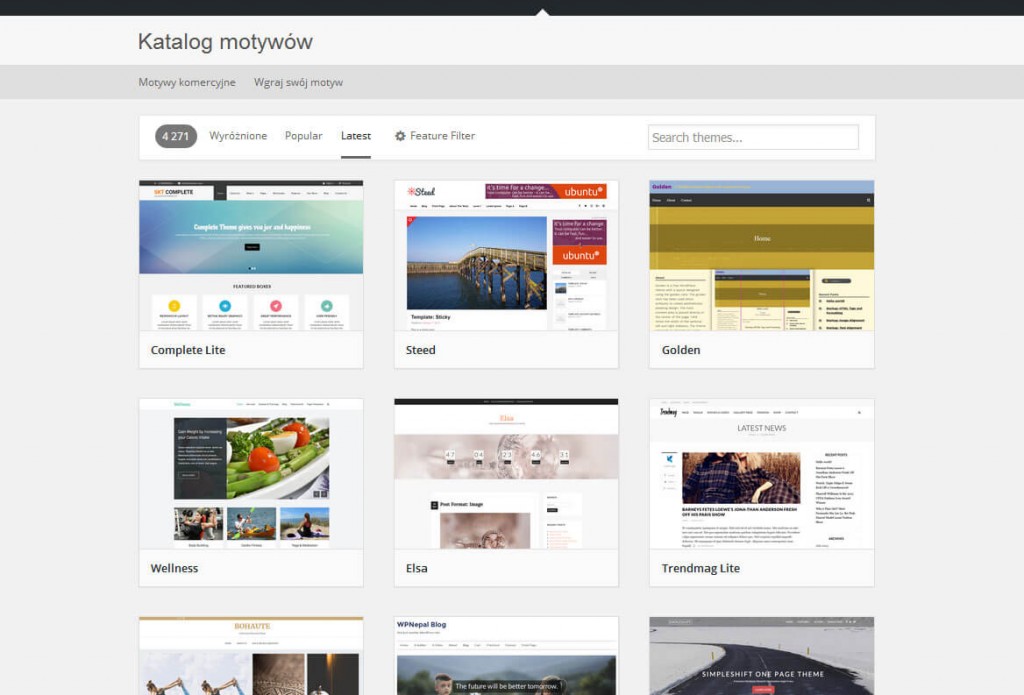
A £299 site can be created by installing a ready-made template, swapping the logo and colours, pasting in the client's copy, launching a basic form and publishing without any further analysis. For a start, free WordPress templates will do.
A £2,999 site may include:
- analysing the offer and the competition,
- planning the subpage architecture,
- wireframes of the key views,
- a custom visual design,
- preparing or editing the content,
- implementing different types of subpages,
- design and testing of the mobile version,
- technical SEO basics,
- configuring enquiry measurement,
- performance improvements,
- pre-launch testing,
- training and post-launch support.
Both offers can be honest. The problem only arises when the client expects the second scope but compares only the price of the first.
What goes into the price of a WordPress site?
1. Business analysis and site plan. A good site does not start with choosing a template, but with defining the goal and the way the offer is presented. Before designing, it is worth establishing which services are to be promoted, who the company's client is, what problems and questions they have, what sets the company apart from the competition, which subpages are needed, which actions are to be measured, whether the site will be developed for SEO and whether a store, blog or client area will be added in future. For a small site the analysis may take a few hours; for a B2B company with many services, locations and client groups it may require additional meetings or a workshop. Skipping this stage often leads to a site where all services are gathered on a single subpage, the menu does not match the client's needs, it is unclear how the company differs from the competition, every subpage ends with the same generic form, and later SEO requires rebuilding the structure.
2. Number and type of subpages. The cost depends not only on the number of subpages, but also on the number of different layouts that need to be prepared — ten similar service subpages require less work than five completely different views. Example types of subpages: home page, service list, single service, about the company, team, case studies, single case study, blog, article, contact, pricing, knowledge base, location, campaign landing page. If 20 services use a single polished template, some of the work can be repeated; if each requires a different table, form and way of presenting things, the cost rises.
3. Ready-made template or custom design? A ready-made theme lowers the starting cost, while a custom design lets you fit the site better to your brand and sales process.
| Aspect | Ready-made template | Custom design |
|---|---|---|
| Cost and time | Lower cost, shorter time, layout visible sooner | Higher cost, longer time, wireframes before implementation |
| Look | May resemble other sites on the same theme | Own section layout and typography tailored to the brand |
| Code | The theme can be weighed down by unnecessary code | Code matched to the needs of the project |
| Development | Unusual changes can be difficult | Easier to develop and extend |
A custom design may include wireframes, a custom section layout, tailored typography, individual service views, a mobile design, rounds of revisions and the project files in Figma. Figma is the tool in which the look and layout of the site are designed before implementation.
4. Copy for the site. Preparing the content can be a significant part of the project, especially in companies with a technical or extensive offer. A quote may assume that the client supplies finished texts, the provider only edits them, a copywriter prepares the content based on materials, the texts are created after conversations with the team, keyword research is carried out, or each service gets its own subpage.
"Entering content" is not the same as "writing content"
This is a common source of misunderstandings in quotes. A good service subpage should explain: what the company offers, who the service is for, what problem it solves, what the scope covers, how the collaboration works, how long the project takes, what the examples are and what the client should do next. Pasting supplied paragraphs into a template will not replace preparing such content.
5. Photos, graphics and visual identity. The price increases if the provider has to prepare visual materials instead of using the company's existing assets. The project may require a photo shoot, stock photos, photo retouching, icons, infographics, diagrams, illustrations, animations, logo preparation and a choice of colours and fonts. If the company has no materials at all, you have to determine who prepares them and who covers the licence costs.
6. WordPress implementation. Installing WordPress itself is quick — more work goes into preparing the theme, the subpages, the admin panel and all the features. Implementation may include installing WordPress, configuring the theme, reproducing the design, creating subpages, preparing the menu, adding content, forms, user roles, basic security, database optimisation and a test environment. A staging environment is a working copy of the site where you can check changes before publishing them for users.
7. Mobile version. A responsive site is not just a scaled-down version of the desktop. On a phone you have to separately check the text size, menu, spacing, forms, buttons, galleries, tables, phone numbers, the order of sections and loading speed — some elements need to be simplified or laid out differently. The quote should state whether the mobile version is designed and tested, or whether it merely follows automatically from the template used.
8. Initial SEO. Initial SEO prepares the site for indexing, but does not replace ongoing positioning. The basic scope may include logical H1–H3 headings, friendly URLs, meta titles and meta descriptions, an XML sitemap, indexing settings, a robots.txt file, basic structured data, Search Console configuration and checking for technical errors. Structured data is extra information in the code that helps the search engine recognise the company, service, article or a question-and-answer section. Initial SEO usually does not include regular content creation, link building, monthly analysis, an extensive visibility strategy or guarantees of specific positions. If the site is to bring in clients from Google systematically, later website positioning may be needed. Where to start is explained in our guide WordPress SEO — where to start.
9. Forms and analytics. A form should not only send a message, but also let you check where the enquiry comes from. On a site you can measure form submissions, phone clicks, email clicks, file downloads, appointment bookings, transitions to an external system and quote requests. The most commonly used tools are Google Analytics 4, Google Tag Manager, Google Search Console and a cookie consent management system. Advanced forms can also pass data to a CRM — that is, a system used to record clients, enquiries, sales opportunities and contact history.
10. Site speed. Performance depends on hosting, the design, the images, the plugins and the number of external scripts. Basic work may include image compression, the WebP or AVIF format, cache configuration, lazy loading, reducing unnecessary scripts and improving the loading order of assets. A cache is a memory thanks to which the server does not have to generate the whole page from scratch on every visit. Lazy loading delays the download of images further down the page until the user starts to approach them. Not every quote includes detailed work on Core Web Vitals — if you care about specific results, the scope should be described separately.
11. Security and backups. Basic security should be prepared during implementation, not only after the first failure. The scope may include an SSL certificate, secure admin accounts, login protection, protecting forms against spam, a backup, an up-to-date PHP version and removing unnecessary themes and plugins. SSL encrypts the connection between the site and the user — you can recognise it by an address starting with https://. Before launch, establish who makes the backups, where they are stored, how long they remain available, who is responsible for updates and who responds in the event of a failure.
12. Testing, training and handover. A project should not end the moment the site is published. Before launch you need to check the forms, email messages, links, the mobile version, different browsers, speed, indexing, the cookie system, 404 errors and the admin panel. After completion the client should receive full admin access, the domain and hosting details, a list of the licences used, a manual or training, the warranty terms, information about ongoing maintenance and the project files, if the contract provides for it.
What do you get at each budget level?
The amounts for each level are in the main pricing table above. The paragraphs below mainly show the differences in scope.
A landing page focuses on a single service, product or campaign. Typical scope: one long page, one main goal, sales copy, a form, reviews or case studies, an FAQ, basic conversion measurement and a mobile version. A higher scope may include a custom design, writing the content, additional section variants, CRM integration, advanced measurement and testing different versions of the form. A separate scope for this service is on the landing page for ad campaigns page.
A small service website is a solution for a local company or a business offering a few clearly defined services. An example structure: home page, a few services, about the company, case studies, contact, legal documents. It is worth expecting a tailored look, a mobile version, a form, SEO basics, analytics configuration as well as launch and testing.
A complete business site organises the offer, supports SEO and can handle several client-acquisition channels. It may contain a dozen or so subpages, separate service descriptions, a blog, a case study database, a team page, an FAQ, forms matched to services, basic keyword research, newsletter integration, enquiry measurement and training. The biggest difference in price is usually caused by who prepares the copy and how many individual subpage types need to be made.
A large website handles a big offer, several client groups or many locations. It may include dozens of subpages, many service types, separate locations, a knowledge base, multi-step forms, CRM integration, language versions, a product catalogue, automated enquiry handling and a more extensive SEO architecture. In such a project the number of subpages is not the only measure — the data structure and the way content is later managed matter greatly.
A site with bespoke features. WordPress can also handle your own business processes, but such a project requires analysis and programming. Examples: a price calculator, a product configurator, a booking system, a points map, client logins, a document database, PDF generation, a partner zone, API integration, paid membership. An API is a mechanism for communication between systems — it allows you, for instance, to pass form data to a CRM or to fetch current information from the company's system. Before quoting, you need to describe the input data, the operating rules, the user roles, the possible errors, the way it is updated and responsibility for the data.
How much does it cost to make the site yourself?
Doing it yourself can reduce the financial outlay, but it requires time for learning, preparing content and solving problems.
You still have to account for the domain, hosting, a premium theme or editor, photos, a cookie system, email mailboxes and any plugin licences. The biggest cost, however, is the time needed to learn WordPress, build layouts, the mobile version, forms, backups, updates, SEO basics, analytics, speed and security.
Doing it yourself can make sense if the budget is minimal, the site is there to test an idea, it is not yet the main source of clients, the owner wants to learn how to use the system or potential errors will not block sales. If the site is to handle campaigns and generate enquiries straight away, the cost of undetected problems can be greater than the saving.
Freelancer or agency?
A freelancer usually has lower costs, while an agency can combine several different skills in one project.
| Aspect | Freelancer | Agency |
|---|---|---|
| Team | One person: contact, design, WordPress, testing, launch | Account manager, designer, developer, copywriter, SEO, analyst |
| Advantages | Direct communication, flexibility, often a lower cost | Broader range of skills, testing procedures, cover when someone is away |
| Risks | One person for everything, the deadline depends on their availability, support from a single person | Higher budget, more people on the project, quality depends on the team |
The form of the business in itself does not guarantee quality. Check the case studies, the process, the contract and the way the site is handed over.
How much does it cost to maintain a WordPress site?
After launch there remain the costs of the domain, hosting, licences and any technical maintenance.
| Element | Indicative budget |
|---|---|
| Domain | Most often from a few to several tens of pounds per year |
| Business site hosting | Usually from several tens to a few hundred pounds per year |
| SSL certificate | Often available at no extra charge |
| Premium licences | From £0 to over £299 per year |
| Technical maintenance | Usually from several tens of pounds net per month |
| Positioning (SEO) | A separate monthly budget |
| Ad campaigns | Media budget and the cost of running them |
Check the renewal price, not just the promotion
With a domain and hosting, the first-year price is often promotional, while the renewal cost is considerably higher. Before you choose a provider, check what you will pay in the second and following years.
A domain is the address of the site, e.g. company.co.uk. It should be registered to the client's company, not to the provider's private account. Check the renewal price, the domain owner, access to the panel and the option to transfer it.
Hosting is the place where the site's files and database are kept. For an ordinary business site the most important things are stability, backups, an up-to-date PHP version, SSL, resource limits, support and the renewal price. A broader discussion is in our guide which hosting to choose for a website.
Licences. The theme, editor, forms, multilingual system, bookings, security, integrations and cookie module may be paid. Establish who buys the licence, on whose account it will be saved, who pays for the renewal and what happens once it expires.
Technical maintenance may include updates, backups, monitoring, security, responding to failures, minor changes and reporting. The current scope is on the WordPress maintenance page.
What most often raises the price of a site?
The price is most often raised by: a larger number of different subpage types, a custom design, a lack of ready content, language versions, integrations and bespoke features.
- A larger number of different subpages — every additional subpage type requires design, implementation and testing.
- A custom visual design — designing from scratch requires wireframes, visual decisions and rounds of revisions.
- A lack of ready content — the provider has to get to know the company, gather materials and write the copy.
- Language versions — each language means additional translations, menus, meta data, links, forms, testing and
hreflangtags.Hreflanghelps Google recognise versions of the same content prepared for different languages or countries. - Integrations — connecting to a CRM, a newsletter, a booking system or an external API requires configuration and testing.
- Bespoke features — a calculator or configurator has to be described, designed, programmed and checked in different scenarios.
- Migrating or rebuilding an existing site — moving a website requires protecting the content, the URLs, the Google rankings, the analytics, the forms, the linking and the 301 redirects. A 301 redirect leads the user and the search engine from the old address to the new one.
- A tight deadline — an urgent project may require shifting other work or involving more people.
- A large number of approvers — if several departments assess every section, the number of meetings, revisions and project versions grows.
If you are changing systems, a migration to WordPress may be needed. If WordPress is already running but the current site is slow, unclear or hard to develop, the right scope may be a website redesign.
What might not be included in the price?
Most misunderstandings come from different interpretations of the phrase "a finished site".
A quote may not include writing the copy, buying photos, a photo shoot, logo design, additional language versions, paid licences, hosting and the domain, moving the old site, preparing redirects, configuring advanced analytics, positioning after launch, ongoing technical maintenance or adding content later.
The same scope, two prices
An offer of "a WordPress site for £499" may assume that the client supplies the copy, the photos, the structure and the hosting. A second offer for £999 may include preparing these elements. The price alone does not show which offer is better value — only comparing the scopes does.
How do you compare two quotes for building a site?
First bring both offers to the same scope. Only then compare prices.
| Question | Offer A | Offer B |
|---|---|---|
| How many subpages does the price cover? | ||
| How many different types of view will be created? | ||
| Who prepares the copy? | ||
| Is the design custom? | ||
| How many rounds of revisions does the price cover? | ||
| Does the provider enter the content? | ||
| Will the site be tested on phones? | ||
| Is initial SEO implemented? | ||
| Will analytics be configured? | ||
| Are licences included? | ||
| Who owns the domain and hosting? | ||
| Will you receive full admin access? | ||
| Is training included? | ||
| How long does post-launch support last? | ||
| What is the delivery deadline? | ||
| Is the price net? |
Such a table lets you quickly notice that one offer does not include content or analytics, while another does not provide for post-launch support.
Red flags in a WordPress site quote
Beware of offers without a precise scope, without information about who owns the domain and hosting, and with a guarantee of the first position in Google.
- No precise scope — the offer contains only the slogan "building a professional site" without the number of subpages, features and stages.
- Unlimited revisions — it is unclear when the project ends or how stages are approved; defined rounds of revisions and a clear approval process are better.
- No information about ownership — it is unclear who owns the domain, hosting, licences and admin accounts.
- The site only works on the provider's subscription — once the collaboration ends, the client cannot easily move the site or download a copy of it.
- No staging or backup — changes are made directly on the live site.
- A guarantee of the first position in Google — building a site alone does not guarantee a place in the results; you can prepare a good foundation, but visibility also depends on content, competition and further work.
- A large number of plugins without justification — every additional plugin means updates, potential conflicts and a possible renewal cost.
- No post-launch support — it is unclear who will fix a form or an error that comes to light a few days after launch.
Example pricing scenarios
A local service company offers a few services in a single local market. It needs a small number of subpages, a simple form, a few case studies, basic SEO, analytics and a mobile version. Such a project usually corresponds to the small service website level from the main table.
A B2B company with a dozen or so services needs separate service pages, support for several client groups, a blog, case studies, a form that qualifies the enquiry, a structure prepared for SEO and possible CRM integration. Such a website is usually at the meeting point of a complete business site and a large website; the price depends mainly on the content, the number of individual views and the integrations.
A multilingual site requires English, Polish and German versions, separate translations, additional meta data, a language switcher, hreflang configuration as well as testing of forms and messages. The starting point is the appropriate site level from the table, to which the implementation of further language versions is added.
A site with a calculator contains the standard offer plus a price calculator, a set of business rules, result generation, saving the enquiry and sending the data to a CRM. This is a project with a bespoke feature and should be treated as the highest level on the main pricing ladder.
How do you lower the cost of a site without spoiling the project?
Limit the initial scope, but do not give up the quality basics.
- Start with the most important services — you do not have to launch 50 subpages at once. To begin with, a home page, the main services, information about the company, case studies and contact are enough.
- Prepare materials in advance — gather the logo, photos, company details, the scope of services, case studies, reviews, FAQ answers and contact details.
- Appoint one decision-maker — they collect the team's comments and pass them on to the provider in an organised form.
- Launch one language — foreign versions can be added after testing the main-language site.
- Limit bespoke features — instead of building a complicated calculator straight away, you can start with a form that gathers the data for a quote.
- Use shared templates — service subpages can share a layout, provided it suits their content and purpose.
Can a cheap WordPress site be good?
Yes, if the project has a simple scope and the provider clearly describes the limits of the offer.
A cheap site can be appropriate for a new business, a local company, a single service, a personal brand, testing an idea or a single landing page. The problem arises when it is supposed to present a dozen or so services at once, work in several languages, integrate with a CRM, support extensive SEO, run a calculator, generate enquiries from several campaigns and behave like a portal. The budget and the expectations have to match.
What can you check yourself?
Before you ask for a quote, you can clarify most of the project's assumptions yourself.
- Define one main user action: phone, form, booking or purchase.
- List the services that genuinely need separate subpages.
- Gather the logo, photos, case studies, reviews and company documents.
- Check who owns the current domain.
- Establish whether the old site has traffic and visibility that need to be protected.
- Note the systems the site is supposed to communicate with.
- Decide who will update the content after launch.
- Set an indicative budget for maintenance after launch.
When is it worth hiring a specialist?
A professional implementation makes sense when the site is an important channel for acquiring clients or has to work with other systems.
Consider a specialist's help if you are planning Google Ads campaigns, want to develop SEO, the company has many services, you need a custom design, the site is to connect to a CRM, you need several forms, you are rebuilding a site that is visible in Google, you are planning several languages, you need a configurator or calculator, or you have no one responsible for technical maintenance. A good provider should also point out the elements you do not need at the first stage.
Frequently asked questions
How much does a simple WordPress site cost?
A small service website usually costs from around £699 net. A landing page focused on a single campaign can start from around £499 net. The exact price depends on the content, the design and the features.
Is WordPress free?
Yes. WordPress itself is free software. Separately, however, you have to pay for the domain, hosting, building the site, any licences and ongoing maintenance.
How much does a business site with 10 subpages cost?
A project with about 10 subpages most often corresponds to the complete business site level, that is roughly £1,299–£2,399 net. A simpler implementation with ready materials can be done for less.
How much does it cost to maintain a WordPress site per year?
The domain and hosting usually cost from a few hundred pounds per year. On top of that there may be paid licences and optional monthly technical maintenance.
Does the site price include hosting and the domain?
Not always. These are often separate charges paid directly to the provider. The domain and hosting should be registered to the client.
How long does it take to build a WordPress site?
A small site can be created within a few weeks. A website with a custom design, copy, many subpages and integrations may require several months.
Can I edit the site myself later?
Yes. A properly prepared WordPress lets you edit texts, photos, subpages and posts without programming. It is worth including training or a manual in the project.
Is WordPress suitable for SEO?
Yes. WordPress can be a good basis for SEO if the site has the right structure, fast loading, the right addresses, meta data and indexing settings.
Define the scope before you compare prices
The cost of a WordPress site depends above all on the scope, not on the system itself or the number of items in the menu. A landing page requires a smaller budget than a full business site, while a large website with many content types, integrations or a calculator requires a bigger project, testing and ongoing maintenance.
Before making a decision, define the goal of the site, plan the structure, establish who will prepare the content, list the features you need, compare the scope of the offers, check the annual costs and make sure you receive full admin access.
If you want to define the scope without adding random modules, we can analyse the goals, the number of subpages, the materials and the integrations needed, and then prepare a quote for a WordPress site with a clearly described scope, stages and maintenance costs.