Higher sales do not always require a bigger advertising budget. Sometimes a store already has enough traffic but loses customers on the product page, in the basket or during payment. In other cases orders come in regularly, but their value is too low to cover the cost of advertising and delivery.
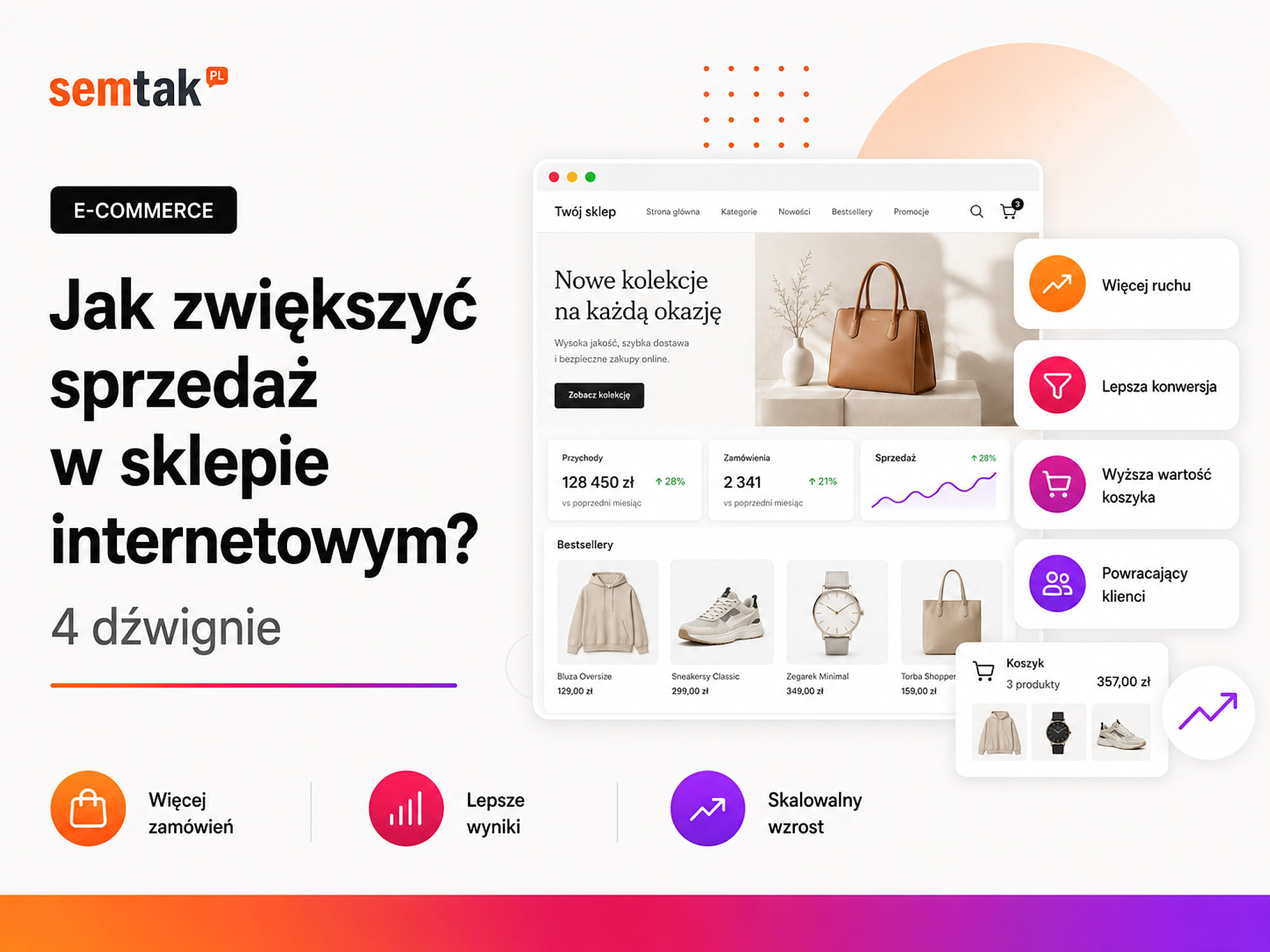
That is why, instead of looking for a single "sales trick", it is worth breaking the store's result down into four elements: the right traffic, conversion, average order value and customer retention.
Each of these levers requires different actions. SEO will not fix a broken payment. A discount will not help if nobody visits the store. A loyalty programme makes no sense when a product is bought once a decade. In this guide we will show you how to find the weakest lever, what to measure and in what order to introduce changes.
In short
Higher sales do not always require a bigger advertising budget. Break the store's result down into 4 levers: the right traffic, conversion (product page, basket, payment), basket value (up-sell, cross-sell, free delivery thresholds) and customer retention (email, remarketing). First check where you are losing customers — a store often already has traffic but loses it at checkout.
In short (TL;DR)
- Sales grow through four levers: more of the right traffic, higher conversion, a bigger basket and more frequent repeat purchases.
- Before you start scaling sales, check whether the additional orders leave enough margin.
- Do not increase your advertising budget if the store has problems with the basket, payment or product pages.
- You can raise the average order value through bundles, complementary products, larger variants and a sensible free delivery threshold.
- Returning customers are built through good service, post-purchase communication, reminders and tailored offers.
- Introduce one major change at a time and record the date it went live. Otherwise you will not be able to establish what actually improved the result.
How does the four-lever sales model work?
A store's sales grow when you increase the number of the right visitors, the share of buyers, the order value or the number of subsequent purchases.
A formula that brings order to your decisions
For first orders a simple formula works: revenue = the right traffic × conversion rate × average order value, plus sales from customers who come back and buy again. This is a model for making decisions, not an accounting formula for revenue — some returning customers are already in the traffic, so do not mindlessly multiply all four values. The most important question: which lever is currently the store's biggest constraint?
| Lever | What it means | Example actions |
|---|---|---|
| The right traffic | More potential customers reach the store | SEO, Google Shopping, ads, free product listings |
| Conversion | A larger share of visitors place an order | A better offer, product page, speed and checkout |
| Basket value | The customer spends more in a single transaction | Bundles, cross-sell, larger variants, delivery threshold |
| Retention | The customer buys again | Email, reminders, automations and after-sales service |
Example: the same growth can be achieved in different ways
A store with 10,000 visits, a 1% conversion rate and an average order of £200 achieves 10,000 × 1% × £200 = £20,000 in revenue. This is a simplified example, without taxes, returns and returning customers.
To increase revenue to £24,000, the store can raise traffic from 10,000 to 12,000 visits, lift conversion from 1% to 1.2%, or increase the average order from £200 to £240. Each change gives a similar effect, but its cost can be completely different: an extra 2,000 visits from ads may require a bigger budget, whereas improving delivery information or removing a payment error can increase sales without buying traffic. That is why you should not only ask "how do I get more customers?", but also "am I making good use of the customers who already reach the store?".
Before you start: check your margin, not just turnover
Increasing sales only makes sense when the additional orders leave enough margin once costs are taken into account.
Turnover can grow while no more money stays in the account
A store can increase turnover through large discounts, free delivery, expensive ads or selling unprofitable products — revenue in the reports rises, but the company does not earn more. Example: a £150 product, after purchase cost, payment, packaging and delivery, leaves £30 of margin; if acquiring a single order from ads costs £35, more transactions deepen the loss. Before scaling, calculate for your main products: the net price, purchase/production cost, packaging, delivery subsidy, payment commission, advertising cost, order handling and expected returns.
In such a situation it is worth checking whether you can promote higher-margin products, improve conversion, increase basket value, lower the cost of acquisition, reduce returns or exclude unprofitable products from campaigns. The figures worth preparing:
| Metric | What it shows |
|---|---|
| Revenue | Total value of sales |
| Number of orders | How many transactions were placed |
| Conversion rate | What percentage of visits ended in a purchase |
| Average order value | How much a customer spends on average |
| Margin per order | How much is left after product and fulfilment costs |
| Customer acquisition cost | How much it cost to win a buyer |
| Returns | What share of sales comes back |
| Share of returning customers | How many customers place subsequent orders |
To begin with, a properly configured WooCommerce, analytics and a simple spreadsheet with costs are enough.
Lever 1. Increase the right traffic
More traffic helps only when the people reaching the store are interested in the products on offer and ready to consider a purchase.
1,000 visits from a random article may generate fewer sales than 100 visits from a precise product query. Example: "how to make a coffee table yourself" (informational intent), "oak coffee table 90 cm" (purchase intent), "Madera coffee table 90 cm natural oak" (a query for a specific product). Not every visit has the same value.
When is traffic the main constraint? When few people visit the store, important categories do not appear in Google, products receive no impressions, the brand is new and barely recognisable, few people reach the product pages, or the store works correctly but the number of transactions is small. If the store has plenty of visits but few add-to-baskets and purchases, adding traffic is probably not the first task.
Online store SEO. In e-commerce, the most important elements are categories answering purchase queries, valuable subcategories, product pages, guides supporting the choice, correct indexing, internal linking, structured data and speed. A cosmetics store should not gain all its traffic through the home page — separate subpages can answer queries such as "creams for dry skin", "vitamin C serum", "fragrance-free cosmetics", "a specific brand cream", "a specific product and capacity". Well-planned online store SEO brings in people interested in specific categories and products, rather than merely increasing the overall number of visits.
Google Shopping and product ads. Google Shopping shows the photo, name, price, store name and additional information before the click — the user compares products even before reaching the site. The basis is a correct product feed (data for Google Merchant Center) with consistent names, prices, stock levels, photos, identifiers, variants, delivery costs and addresses. If the price in the feed differs from the price in the store, the product may be rejected or the ad will present a different offer. Well-configured Google Shopping campaigns help you check which products generate interest and sales — but they will not fix a weak offer or a broken payment. Data from Merchant Center can also feed free product listings — check rejected products, missing identifiers, mismatched prices, out-of-date stock, photo errors and delivery settings.
Direct the user to the right page. An ad for a specific chest of drawers should lead to the page of that chest, and an ad for "creams for dry skin" to the relevant category, not to the home page — the more steps the customer has to take, the greater the risk of dropping off. What to measure: visits to categories and products, queries in Search Console, clicks from Google, the cost of paid traffic, revenue by channel, the number of new customers and rejected products in Merchant Center. Do not judge a channel solely by the number of clicks — a channel with fewer visits may generate more profitable orders.
Lever 2. Increase the conversion rate
Improving conversion lets you obtain more orders from the traffic the store already has.
We expand on the full diagnosis of the reasons why customers do not add products to the basket or abandon the purchase in our guide why an online store does not sell. Conversion is the share of visits ending in a purchase (10,000 visits and 100 orders = 1%). There is no single correct value — the result depends on the industry, price, device, traffic source, brand, season and the length of the decision process. Above all, compare the store with its own earlier results and similar periods.
When should you start with conversion? When products have many impressions but few add-to-baskets, customers add products but do not move to checkout, checkout is started but few people pay, results on phones are much weaker, the store has problems with delivery or payment, or users regularly ask about missing information.
Check the purchase funnel: the customer sees a product list → enters the page → adds to basket → starts the order → chooses delivery and payment → completes. In GA4 these correspond to, among others, view_item, add_to_cart, begin_checkout, purchase. If the data in GA4 does not match WooCommerce, you may need to improve your analytics and conversion tracking.
Check the offer before rebuilding the store. The customer compares price, delivery, dispatch time, availability, returns, warranty, payments and reviews. A new look will not help if a product costs the same as at a competitor but is shipped a week later and has more expensive delivery. Compare your five most important products (price, delivery, dispatch time, popular variants, returns, number of photos, reviews, main advantage) with two or three competitors.
Tidy up the product pages — they should answer: exactly what I am buying, who it is for, what dimensions and parameters, which variant to choose, when it will be shipped, how much delivery costs, what is in the set, how it differs from similar models. We describe how to prepare the content in the article product descriptions for SEO. Simplify the checkout — check whether you can buy without an account, whether the form works on a phone, whether errors are clearly described, whether choosing a pick-up point works, whether BLIK and card are available, whether the delivery cost is visible early and whether an interrupted payment can be retried. Place a real test order as a new customer — simply viewing the panel is not enough. Check the speed of the most important views (category, product, filters, basket, checkout, pick-up point) — more in the guide Core Web Vitals in a WooCommerce store.
Lever 3. Increase the average order value
A bigger basket lets you obtain more revenue from a customer whose acquisition cost has already been incurred.
The average order value (AOV) is revenue ÷ number of orders (£20,000 from 100 orders = £200). Raising AOV is not about adding random products to a "You may also like" section — the suggestion should match the main purchase.
Cross-sell (complementary products) suggests an additional product that goes with the purchase: a phone and a case, a coffee machine and a filter, shampoo and conditioner, a lamp and a bulb, a bed and a mattress, a desk and a cable organiser. A good suggestion helps complete the order; a poor one is random and distracting. Up-sell (a higher variant) suggests a larger or more advanced version (500 ml instead of 250 ml, a higher model, a wider desk, a set with extra equipment) — the difference must be explained clearly: it is not enough to call a product "premium", show the additional features, the difference in materials, the larger capacity, the per-unit saving or a different use. Bundles can shorten the choice, increase the basket and help select matching products (a care set, an office kit, an assembly set, a collection, a starter kit) — if a bundle is discounted, check whether it is still profitable.
The free delivery threshold is best set slightly above the typical basket value. Example: an average basket of £180, popular add-ons of £25–£50, a threshold of £220 — the customer can then add a product that will genuinely be useful. If most orders already exceed the threshold, the store will be funding delivery without any basket growth. In the basket, show a message such as "Add £34 worth of products to get free delivery". Quantity discounts make sense for products naturally bought in larger numbers (cosmetics, office supplies, packaging, cleaning products, consumables) — do not encourage the customer to buy several units of a product they do not need in larger quantities.
Beware of an apparent rise in AOV
The average order value can rise thanks to more expensive products or large bundles that leave a very small margin. That is why you should always compare AOV with order profitability and the level of returns. What to measure: AOV, the number of products in the basket, bundle usage, sales of complementary products, orders with free delivery, the delivery cost borne by the store, the impact of discounts, and returns of bundles and of more expensive variants.
Lever 4. Increase the number of returning customers
A customer who knows the store and was satisfied with the purchase can place a subsequent order without building trust from scratch.
Retention is especially important in industries where the product is used up, needs replenishing, has accessories, is part of a collection, is bought cyclically or is regularly ordered by companies. Not every store has the same potential — cosmetics may be bought every few weeks, furniture much more rarely (although in a furniture store a return may mean a purchase from the same collection or furnishing another room).
Good service is where repeat sales begin. A customer will not return simply because they received a discount code — first they should receive a product matching the description, dispatch on time, clear messages, secure packaging, efficient handling of any problem, an easy return and a correct sales document. Automation will not fix a bad experience from the first order.
Post-purchase communication may include order confirmation, dispatch information, usage/assembly instructions, a request for a review, a suggestion of a complementary product and a reminder to buy again. The timing of each message should follow from the product: send assembly instructions before delivery, ask for a review after the time needed to use the product, and send a replenishment reminder before the expected usage. Repeat-purchase reminders are useful for filters, pet food, cosmetics, cleaning products, consumables and office supplies — at first assume an approximate usage period, then adjust it based on the data.
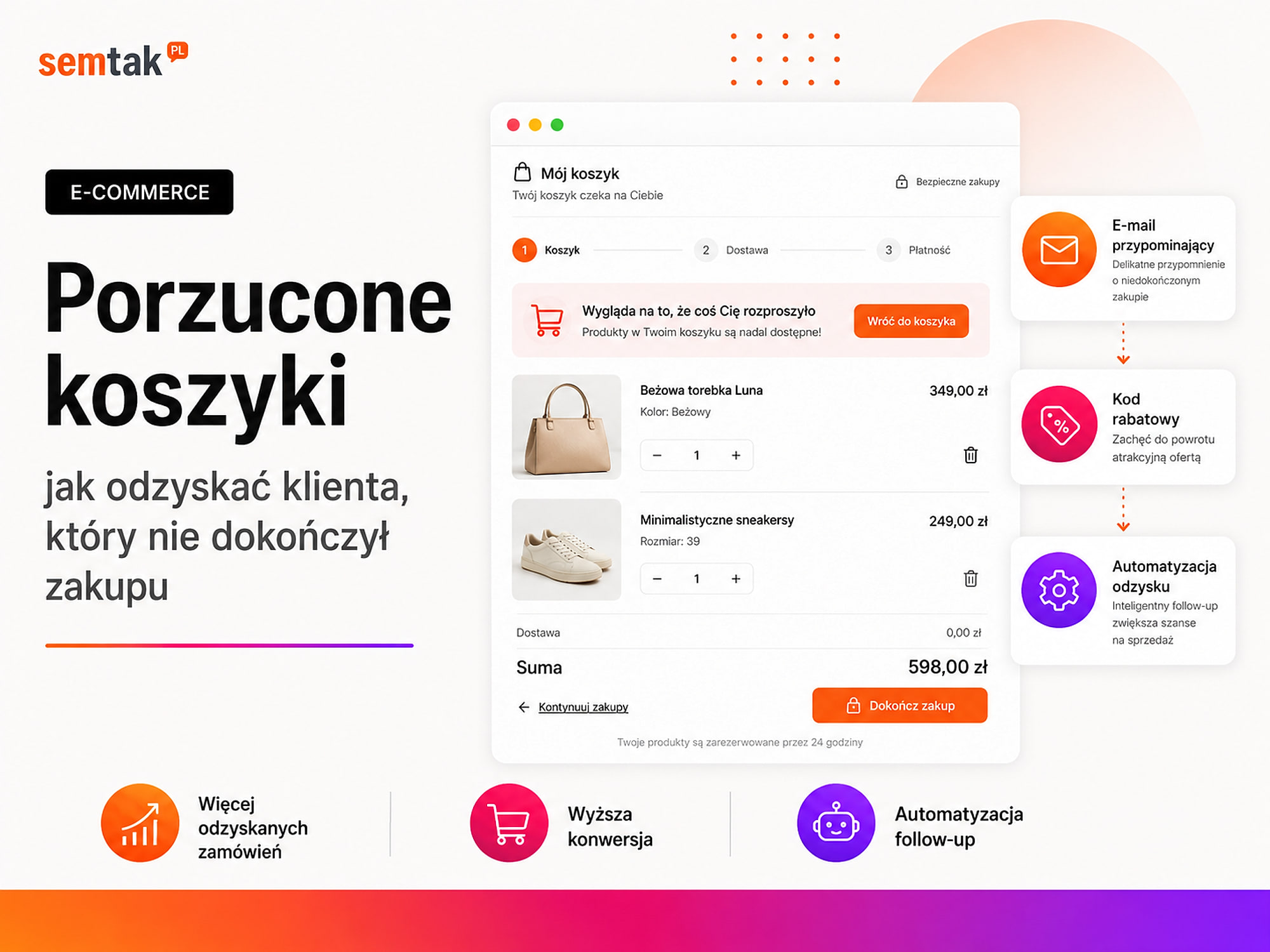
Segment your customers — do not send everyone the same message. Useful segments: a new customer, a customer with a single order, a returning customer, a buyer of a particular category, a B2B customer, a customer inactive for a long time, someone who bought a product that needs replenishing. A customer who bought a bed can receive a suggestion of a bedside table from the same collection — they should not, a week later, be shown an ad for an identical bed. Recover abandoned baskets — a reminder message will help if the customer got distracted, wanted to compare the offer or had no time; it will not fix a payment error, a high delivery cost, a missing payment method or a problem with the form. The full process is in the guide abandoned baskets — how to win the customer back.
A loyalty programme does not have to mean points — loyalty is also built by early access to new products, individual terms for regular customers, free delivery after several purchases, easy re-ordering, saved product lists, tailored recommendations and faster B2B service. A points system only makes sense when the rules are simple and the benefit is achievable.
Take care of deliverability — automation will not help if emails land in spam
Check sending from your company domain, a correct sender, the ability to unsubscribe, message frequency, list quality, the separation of transactional messages from marketing ones, and the SPF, DKIM and DMARC settings (technical records confirming that messages come from your domain — they limit landing in spam and rejection by servers). If transactional emails from WooCommerce are not arriving or automations stop working after updates, you may need WordPress and WooCommerce technical maintenance. Remember too that an order confirmation does not constitute automatic consent to any marketing messages.
What to measure for retention: the share of returning customers, the number of subsequent orders, the time between purchases, revenue from existing customers, the effectiveness of post-purchase messages, newsletter unsubscribes and sales of complementary products. Customer lifetime value (LTV/CLV) shows the total value of their purchases over a longer period.
Which lever should you move first?
Start where the store loses the most value, not with the action that is currently most fashionable.
| Symptom | First lever to check |
|---|---|
| The store has very few visits | The right traffic |
| Categories do not appear in Google | Traffic and SEO |
| Products are viewed but not added to the basket | Conversion, offer and product page |
| Many baskets, few checkouts | Conversion, delivery and trust |
| Many checkouts, few purchases | Conversion, form and payments |
| Orders are frequent but small | Basket value |
| Advertising eats up a large part of the result | Traffic quality, conversion or basket |
| Customers buy only once | Retention |
| It is unclear what is happening in the store | Analytics before the other activities |
Priority 1: remove the problems blocking the purchase
First fix a broken payment, basket errors, the inability to choose delivery, incorrect prices, wrong stock levels and mobile problems. Do not increase traffic to a store where the customer cannot pay. Priority 2: improve the use of the current traffic (offer, product pages, trust, speed, checkout, correct measurement) — only once the basic path works should you increase the budget for new customers. Priority 3: when the store regularly generates orders, develop complementary products, bundles, larger variants, post-purchase automations, reminders and segmentation.
How to plan increasing sales over 90 days?
Split the work into four stages: diagnosis, one main fix, measuring the effect and scaling.
Stage 1. Diagnosis — gather data and identify one main barrier. Example goal: establish why mobile users start checkout but rarely complete the purchase. Stage 2. One main fix — choose the change with the greatest likely impact (improving payment, rebuilding the product page, tidying up the Shopping campaign, a new SEO category, changing the free delivery threshold, a series of post-purchase messages). Example goal: reduce the number of interrupted mobile payments by simplifying the form and improving BLIK handling. Stage 3. Measuring the effect — compare similar periods, the same traffic sources, devices, products, and the result before and after the change; do not judge the effect after a few days if the number of orders is small. Stage 4. Scaling — once the result is confirmed, increase the advertising budget, develop further categories, roll out the change to the remaining products, add more bundles and extend the automations.
The most common mistakes when increasing sales
The most damage is done by: increasing traffic to a malfunctioning store, changing everything at once, and treating a discount as the answer to every problem.
1. Increasing traffic to a malfunctioning store — the campaign generates more visits, but the checkout still does not work; the cost rises, not the number of orders. 2. Changing everything at once — it is unclear whether the result was improved by the price, the ad, the product page, the new payment or the season. 3. Random cross-sell — the system suggests products unrelated to the main purchase and distracts the customer. 4. A discount as the answer to every problem — a price cut will not fix poor photos, slow delivery, a payment error or a lack of trust. 5. No device analysis — the average result looks fine, but on phones the store may be losing most of its orders. 6. Judging actions solely by revenue — a rise in sales must also be compared with costs, returns and the result per order.
What can you check yourself?
You will learn the most by going through the entire purchase process as a customer and comparing the store with the competition.
- Place a real order on a phone as a new customer.
- Interrupt the payment and check whether it can be retried.
- Compare your five most important products with the competition.
- Check the cost and delivery time before entering the checkout.
- Find products with many impressions and few add-to-baskets.
- Check the stage at which the most people abandon the purchase.
- Review the products rejected in Merchant Center.
- See which products can naturally be sold as a bundle.
- Check how many customers placed more than one order.
- Choose one lever and one change to implement in the next stage.
When is it worth handing this to a specialist?
A specialist's help is needed when the data is inconsistent, the problem spans several areas, or the changes require intervention in WooCommerce and integrations.
Consider an analysis or implementation when GA4 shows a different result from WooCommerce, a purchase is recorded multiple times, the store has traffic but it is unclear where customers drop off, campaigns spend budget with no measurable effect, Merchant Center rejects a large share of products, categories and products receive no traffic from Google, the checkout returns irregular errors, the store has a large number of plugins, you want to implement cross-sell or automations for thousands of products, price and stock data comes from an ERP, or you do not know which lever to choose. A good growth project does not begin with selling a ready-made package — first you have to check the data and establish whether the constraint is traffic, conversion, basket or retention.
Frequently asked questions
What increases online store sales the fastest?
It depends on the current constraint. If the store has traffic but loses customers in the basket, improving conversion may be the fastest. If almost nobody visits the store, you will need SEO or advertising.
Is it better to invest in SEO or Google Ads?
SEO builds visibility over the longer term, while Google Ads can bring in traffic more quickly. The best solution depends on the budget, competition, offer and the store's readiness to handle additional customers.
Does more traffic always increase sales?
No. The traffic must match the offer, and the store should make buying convenient. Random visits or traffic directed to a broken checkout will mainly increase costs.
How do you increase the average order value?
Add matching complementary products, larger variants, bundles and a well-thought-out free delivery threshold. At the same time, check that a bigger basket is not solely the result of an excessive discount.
Are discounts a good way to increase sales?
They can work in the short term, but they can also accustom customers to buying only during promotions. First check the offer, product presentation, delivery and the purchase process.
How do you check where customers drop off?
Measure the successive stages: product view, add to basket, start of checkout and purchase. Then compare the drops between stages and the results on phones and computers.
How do you encourage a customer to buy again?
Make sure the first order is fulfilled smoothly, then use tailored post-purchase communication, reminders, complementary products and offers for regular customers.
Do I need to rebuild the entire store?
Not always. Sometimes the greatest effect comes from fixing a single problem: payment, delivery cost, variants, speed or missing information on the product page. A redesign should follow from a diagnosis.
Find the weakest lever before you increase the budget
A store's sales can be increased through four levers: bringing in more of the right customers, converting a larger share of traffic into orders, increasing the average basket value and encouraging customers to make further purchases.
You do not have to launch all the activities at once. If the store has traffic but does not sell, start with conversion. If an efficient purchase path has too few visitors, develop SEO and campaigns. If orders are small or customers buy only once, work on the basket and retention. If you do not know which lever is blocking growth, we can combine data from WooCommerce, GA4, Search Console, Merchant Center and Google Ads, and then prepare a concrete action plan:
- Analytics and conversion tracking — where the store loses sales and which changes to implement first.
- Online store SEO and Google Shopping campaigns — when traffic is the constraint.
- Why a store does not sell, abandoned baskets and product descriptions — when the problem is conversion.