Adding a User to Search Console
If you want to grant someone access to Search Console, you can do it easily from within the panel. Adding a user to Search Console lets you share a selected property/site without having to give out your login and password, which someone could use to sign in to all the Google services you use. Assigning permissions is a good solution if you want to share the account with a webmaster or with an SEO agency you cooperate with.
Roles you can assign to each user.
Depending on who you want to grant access to and what permissions you want to give, you can assign them a specific role and, with it, specific capabilities:
OWNER
Can add and remove users, view all data and use all available tools. The owner is the person who has full control in Search Console. Owners come in two types: VERIFIED OWNER and DELEGATED OWNER. When using Search Console, we must establish at least one verified owner so that the tool can function at all.
A verified owner is a user who has verified ownership of the property and thus proven that they are the owner of the site. Every owner they add will be a delegated owner, who can add other delegated owners.
USER
Cannot add other users. For a typical user we can assign two roles, depending on the access granted to them.
A user with full access can view all data and also perform some actions. If the owner grants them restricted access, they will only have limited rights to view most of the data.
How to add a new user to Search Console:
Remember: You can add up to 100 users to a property (with full or restricted access)!
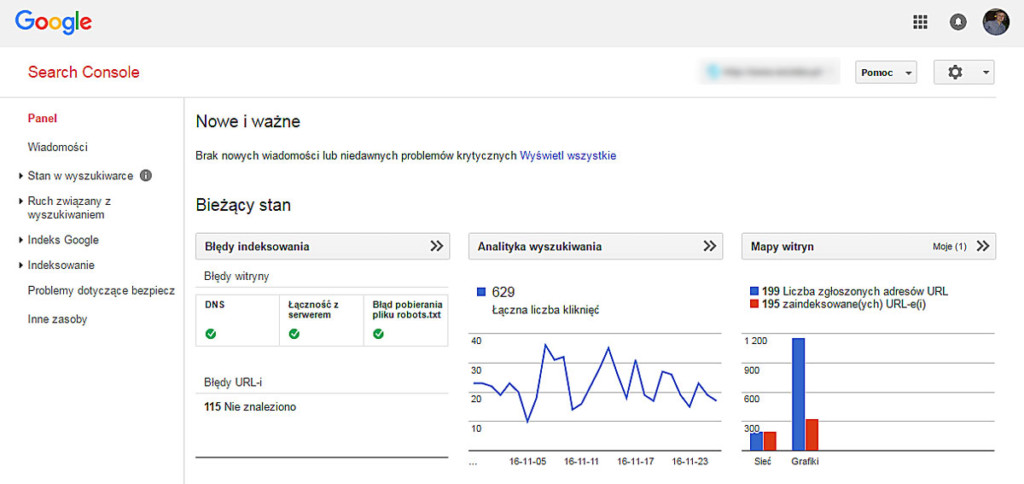
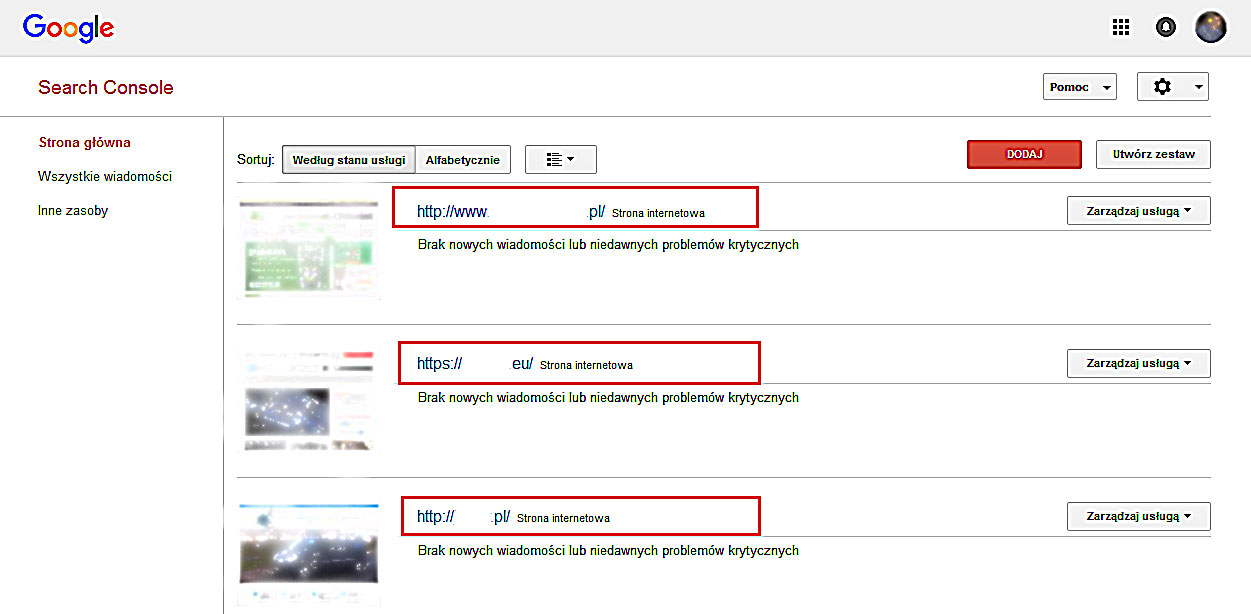
1. Select the PROPERTY in Search Console to which you want to add a user.
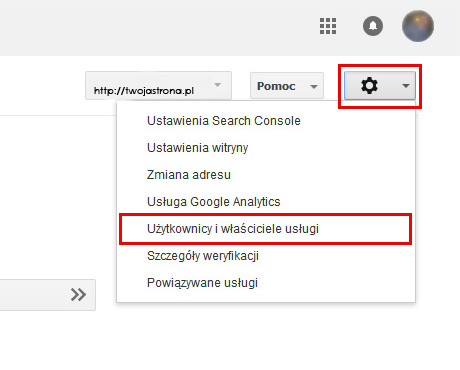
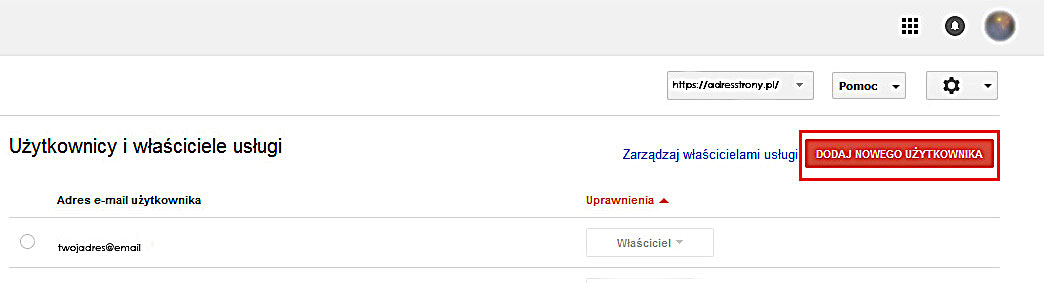
2. In the top right corner you will find a gear icon, i.e. SETTINGS. After clicking it, choose USERS AND PROPERTY OWNERS from the list.
3. Click the red ADD A NEW USER button.
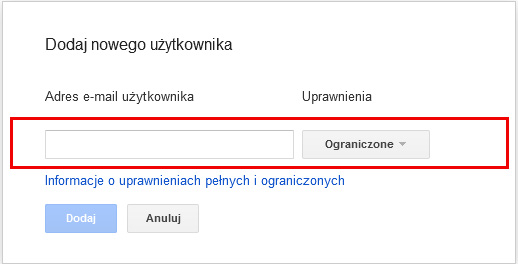
4. Enter the email address of the user you want to add, and select the user type.
5. Click ADD – The property will be automatically added to the new user's Search Console account.