WooCommerce vs Shoper — Which to Choose for a Shop in Poland (2026)

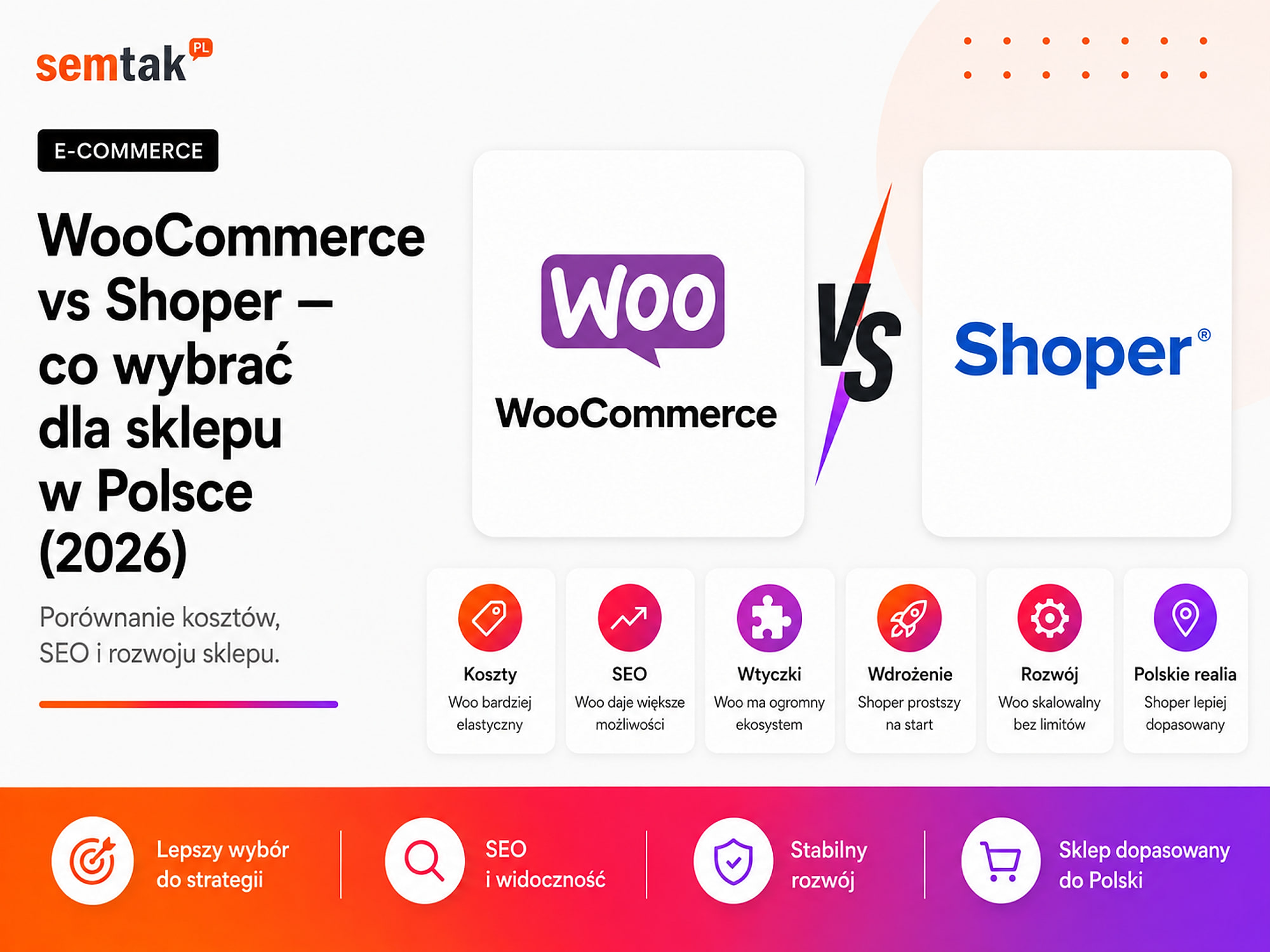
WooCommerce and Shoper both let you launch a full-featured online shop with local payments, couriers, warehouse integrations and marketplace sales. The difference therefore does not come down to whether you can add a BLIK button or parcel lockers.
What matters most is the operating model. You install WooCommerce on a server of your choice and can develop it however you like. Shoper works as a subscription service — the provider supplies the software, hosting, updates and part of the technical back end.
In practice, Shoper makes for a fast start and reduces the number of technical matters you have to handle. WooCommerce requires a better implementation and ongoing care, but gives you more control over the shop, costs, SEO, integrations and future development.
In this comparison we look at 2026 costs, payments, SEO, ease of use, room to extend the shop, security, and the situations in which WooCommerce or Shoper is the better fit.
A note on Shoper for international readers
Shoper is a Polish SaaS e-commerce platform — popular among shops selling on the Polish market. If you sell outside Poland, treat it here as an example of the hosted-SaaS model and compare it with the equivalent in your own market (Shopify or a local SaaS shop builder). The trade-offs described below — subscription vs ownership, ready-made convenience vs full control — apply to any hosted shop platform.
In short
Choose Shoper (or a comparable hosted SaaS) when you want to launch a standard shop quickly, avoid dealing with a server and use the provider's support as part of a subscription.
Choose WooCommerce when the shop is meant to be a long-term sales system, when full control over SEO and integrations matters, or when you are planning unusual processes, B2B sales and custom features.
Neither platform is automatically better. Shoper simplifies the technical side at the cost of some freedom. WooCommerce gives you more independence, but requires responsible execution and maintenance.
TL;DR
- Shoper is a Polish SaaS platform: you pay a subscription, and the provider supplies hosting, system development and updates.
- WooCommerce is free, open-source software installed on hosting of your choice.
- Shoper is simpler at the start, especially when the shop is to run on a standard model.
- WooCommerce gives you more control over the code, the server, SEO, integrations and unusual features.
- With Shoper, compare the renewal price of the subscription, app costs and payment fees — not just the first-year promotion.
- With WooCommerce, add hosting, implementation, updates, backups and any paid plugins.
- Shoper is not a "no SEO" platform, and WooCommerce is not automatically fast. The result depends on configuration and the quality of the implementation.
- Migration in both directions is possible, but it requires moving the data and protecting the old URLs.
WooCommerce and Shoper — the key difference
WooCommerce is your own software on your own hosting, while Shoper is a ready-made shop rented on a subscription.
Open source vs SaaS — two models
Open source (WooCommerce) means the software's code is available and can be modified — you install the shop on a server of your choice and pick the theme, plugins and integrations yourself (or with a contractor). SaaS (Software as a Service, the Shoper model) is software provided as a service: you do not install it on your own server, you simply pay a subscription and use a platform maintained by the provider.
WooCommerce — full control. It is an extension of WordPress in an open-source model. You can: choose any hosting, move the shop to another server, change the contractor, edit the code, build your own plugin, connect the shop to any API, control the database and files yourself, and tailor the buying process to your business. In return, someone has to be responsible for updates, backups, performance and extension compatibility.
Shoper — a ready-made shop on a subscription. The subscription price includes, among other things, hosting, the shop panel and development of the core system. You can use ready-made templates, apps, integrations and an API. However, you do not have the same control over the system's core and infrastructure as in WooCommerce — the shop operates within the limits of the platform's features, rules and pricing.
A simple comparison. WooCommerce is like a unit you fit out on your own terms — but you are responsible for maintaining it. Shoper is like a rented unit in a well-prepared shopping centre: much of the back end is ready, but you have to operate by the centre's rules and pay regularly for access.
WooCommerce vs Shoper — comparison table
| Criterion | WooCommerce | Shoper |
|---|---|---|
| Model | open source on WordPress | SaaS on a subscription |
| Hosting | you choose and pay separately | included in the subscription |
| Platform fee | none | fixed subscription |
| Implementation | requires configuration or a contractor | easier start from a ready-made system |
| Code access | full access to WordPress, theme and plugins | template editing and apps, no access to the SaaS core |
| Database control | direct | via the panel, exports and the platform's API |
| System updates | on the owner or maintainer | on Shoper |
| Server and performance | full control over the configuration | infrastructure managed by Shoper |
| SEO | very wide freedom for technical changes | good core features, less freedom in the core |
| Payments | integrations via plugins, operator fee | platform integrations and apps, possible extra pricing fees |
| Shipping | plugins and custom integrations | ready-made integrations and apps |
| Custom features | practically anything | within the API, apps and template |
| Support | contractor, hosting and plugin authors | provider support in Polish |
| B2B | wide configuration freedom | possible via features, apps and higher plans |
| Migration | full copy of files and database | data export and migration to another system |
| Technical responsibility | greater | lower |
| Best for | shops developed individually | standard shops that want to launch quickly |
How much do WooCommerce and Shoper cost in 2026?
Do not compare only the price shown on the home page — in both cases the total cost depends on more elements.
The cost of Shoper. The basic cost is the subscription. The amounts below come from Shoper's official full price list of services in force from 1 February 2026 (figures are list prices in Polish złoty, net):
| Plan | Monthly payment | Paid upfront for 12 months |
|---|---|---|
| Starter | PLN 169 net | PLN 1,825 net |
| Standard | PLN 299 net | PLN 3,249 net |
| Standard+ | PLN 299 net | PLN 3,249 net |
| Premium | PLN 729 net | PLN 7,849 net |
Compare the renewal price, not the first-year promotion
Prices current as of 5 June 2026 — before deciding, check Shoper's current price list, because promotions, plans and renewal prices change. Shoper regularly offers a promotion for the first period, and the promotional price shown on the sales page is often much lower than the regular price or the next renewal. Before buying, calculate separately: (1) the first-year price, (2) the renewal price, (3) the cost of any required apps, (4) the cost of payments, (5) design work, (6) extra services. A low promotional price is not necessarily a problem — but it should not be the only figure used to compare several years of running a shop.
The Starter plan has additional limits on the number of products and orders. Beyond the subscription, depending on your needs, there may be charges for: a domain, a certificate or its handling, additional apps, integrations, a template, design changes, custom development work, extended support, marketing services, data restoration or extra payment features. This does not mean every shop will need all of these services — for a standard sales process, some functions are already part of the platform.
The cost of WooCommerce. The WooCommerce core is free and there is no subscription for using the platform itself. The real costs cover: a domain, hosting, building the shop, a theme or graphic design, paid plugins (if needed), integrations, updates and care, backups and monitoring, and further development. WooCommerce can be cheap when you build a simple shop yourself on inexpensive hosting — and it can cost significantly more than Shoper if you build an extensive B2B system with ERP, individual price lists and a custom configurator. We describe the cost components in more detail in our guide on how much a WooCommerce online shop costs.
How to compare costs fairly. Calculate the cost over at least three years. For Shoper: subscription after renewal + paid apps + payment fees + extra work. For WooCommerce: implementation + hosting + plugin licences + technical care + development work. To both models add the payment operator's commission, the cost of the domain, marketing, content preparation, accounting and external integrations.
Mini-scenario — price is not the deciding factor
A small shop: 100 simple products, one courier, no ERP integration — Shoper is often the more sensible choice, because the company does not need a custom implementation or to administer a server. A second shop: 20,000 products, B2B price lists, an ERP integration and an unusual configurator — here the fixed subscription is not the most important criterion. What matters more is whether the platform lets you reproduce the whole process correctly without working around limitations.
Does Shoper charge a sales commission?
Shoper does not charge a single, general commission on every order regardless of the payment method. The price list does, however, include fees for handling payments and some integrations with external operators.
Shoper Payments. According to Shoper's official full price list, the minimum Shoper Payments rates are:
| Plan | Shoper Payments |
|---|---|
| Starter | from 1.98% + PLN 0.30 |
| Standard and Standard+ | from 1.58% + PLN 0.30 |
| Premium and Pro | terms agreed individually |
These are fees for processing payments, much like the commissions of operators on other platforms. Rates current as of 5 June 2026 — before choosing an operator, check Shoper's current price list and the terms of the specific provider. The price list notes that the rates shown are minimums and may depend on the operator's offer and your plan.
External payment operator. The full price list also includes extra fees for transactions handled through external gateways. For official integrations, the price list shows 0.59% on the Starter, Standard and Standard+ plans and 0.25% on the Premium and Pro plans. This fee is charged independently of the operator's own remuneration; for unofficial integrations, different rates may apply. That is why it is not enough to compare the commission of Przelewy24, PayU or Tpay — you have to check the operator's commission, the fixed fee, the additional platform fee, the plan terms, refund handling and foreign payments.
Payments in WooCommerce. WooCommerce does not take a share of revenue or charge an additional platform fee on each order. You pay the chosen operator's commission, a possible fee for the module, and the cost of implementing and maintaining the integration. With high turnover, even a small extra percentage matters — if the additional fee is 0.59%, then on PLN 100,000 of turnover handled by that method it adds PLN 590 net, and on PLN 500,000 — PLN 2,950 net. This does not automatically mean Shoper is more expensive: the subscription includes hosting, updates and part of the support. The fee has to be assessed together with the whole cost of running the shop.
Which shop is easier to launch?
Shoper gives the faster self-service start; WooCommerce gives more room to tailor the implementation from the beginning.
Shoper — a faster start without a server. After registering, you get a ready-made panel and shop environment. You can choose a template, add products, set up deliveries, enable payments, connect a domain and configure the basic content. You do not have to install WordPress, configure a database or choose a PHP version. For someone without technical experience, Shoper is usually simpler at the start.
WooCommerce — simple installation, more decisions. Installing WordPress and WooCommerce itself is not difficult — many hosts do it in a few clicks. More work comes later: you have to choose hosting, a theme, a way of building pages, a payment plugin, a courier integration, an email-sending system, a backup mechanism, security and cache configuration. Poorly chosen extensions can overlap or cause errors. That is why "easy WooCommerce installation" does not yet mean a finished shop can be launched without a plan. We show the full implementation order in our article on how to set up an online shop step by step.
Data ownership and dependence on the provider
WooCommerce gives full access to the files, database and code, while Shoper gives data management within the limits of the platform.
WooCommerce. You have access to the shop's files, the database, the theme and plugin code, the server configuration, logs and backups. You can make a full copy and run the shop on different hosting. This does not mean full independence from everything — you still use paid plugins, cloud services, payment operators and external APIs. But you do have the ability to replace individual elements.
Shoper. You manage data through the panel, CSV files and the API; the platform also provides tools for building apps and modifying templates. However, you do not have access to the whole system core or the SaaS infrastructure. You depend on the platform's pricing, the available plans, the rules for apps, changes to the system, the exposed API, the template's capabilities and the provider's development direction. This does not have to be a drawback — for a company that does not want to manage technology, dependence on a single provider can mean fewer organisational problems. It becomes a limitation when the company needs a feature the platform does not offer, or one that cannot be built correctly through the API.
Shop appearance and custom features
Shoper lets you customise the look within the template and API, while WooCommerce lets you rebuild practically any element of the buying process.
Shoper. It offers ready-made templates and the Storefront editor. You arrange page elements from modules, while more advanced contractors work with the template code and the Twig mechanism. Possible changes include: page layout, custom sections, CSS modifications, HTML modules, a custom template and apps that use the API. So it is not true that every Shoper shop has to look the same. The limitation appears when you change how the core itself works — not every checkout, order or product logic can be rebuilt as freely as in an open-source system.
WooCommerce. It lets you change practically every element: the product page, the cart, the checkout, prices, variants, the registration process, the customer panel, order statuses, discount logic, the shipping method and the API. You can use a ready-made plugin or write your own extension. This flexibility has another side — a badly written module can slow the shop down, cause errors after an update or make maintenance harder.
A simple example. A shop sells T-shirts in several sizes and colours — both platforms handle such a product. A shop sells made-to-measure furniture, where the price depends on width, depth, material, colour, handle type and delivery postcode — in WooCommerce you can build a custom configurator and connect it to a quoting process, while in Shoper you have to check whether a similar model can be handled by a ready-made app, variant configuration or a solution via the API.
Integrations and API
With ready-made, popular integrations both platforms do well; with an unusual process and custom logic, WooCommerce has the edge.
Shoper. It offers an App Store, a REST API, tools for app developers and integrations with payments, deliveries, marketplaces, ERP systems and marketing tools. This is convenient for standard processes — often it is enough to activate an app and configure an account. You do have to check the monthly cost of the app, the scope of synchronised data, the sync frequency, the API limits, error handling and the option to change the integrator.
WooCommerce. It has a REST API, webhooks and a large number of ready-made plugins. You can connect it to, among others, multichannel order managers, marketplaces, accounting software, ERP, a wholesaler, a CRM, a B2B system, your own app and an automation platform. For an unusual integration, a developer can use the WooCommerce code without waiting for the platform provider to expose a feature. There is more on this model in our guide to the WooCommerce API — the REST API in practice.
SEO — WooCommerce or Shoper?
Both platforms let you do SEO; WooCommerce gives more freedom in the technical and server areas, and the result is often decided by the implementation, not the platform itself.
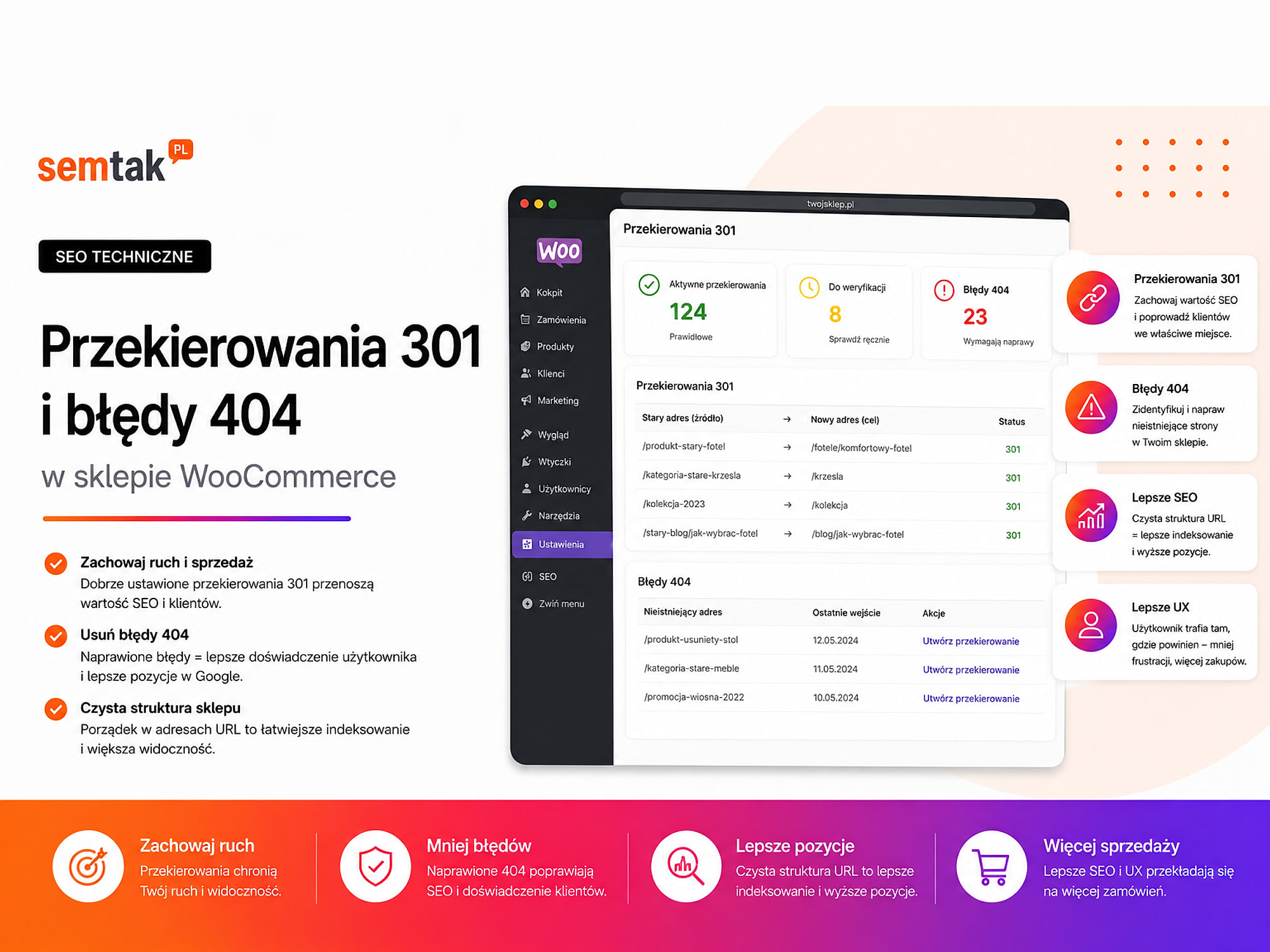
Shoper is not a platform that "cannot be ranked". In it you can set page titles, meta descriptions, product and category URLs, 301 redirects, canonicals, the sitemap, indexing settings, data for Google's tools, and category and product content. For a large share of shops, this scope is sufficient.
Where WooCommerce gives more freedom. You can intervene more deeply in the URL structure, canonical rules, indexing of filters, structured data, XML sitemaps, pagination, breadcrumbs, the way headings are generated, internal linking, the server, cache, Core Web Vitals, and redirects and response codes. You can also prepare custom pages for specific filter combinations or completely change how the catalogue is generated.
Example: a shop with 20,000 products. The brand, size, colour, material, use and price filters can create thousands of URLs. Some of them have value (e.g. "women's hiking boots", "Gore-Tex hiking boots", "black women's hiking boots"), while other combinations should not reach Google. SEO can be done on both platforms, but WooCommerce gives more scope to create your own rules for such cases.
What matters more than the platform itself
The category plan, unique content, correct indexing, speed, product data, linking, domain authority and regular Search Console analysis. A well-prepared Shoper can outrank a badly built WooCommerce. You will find a practical checklist in our guide to technical WooCommerce SEO.
Speed and stability
Shoper takes the responsibility for infrastructure off the owner, while WooCommerce gives more room to tune performance individually.
Shoper. The provider handles the infrastructure — you do not choose the PHP version, the database, the web server, the cache configuration or the way the system is updated. This is a big advantage, because the shop owner cannot accidentally buy hosting that is too weak or misconfigure the server. At the same time, you cannot change the infrastructure freely when you need a non-standard cache, separate database services or detailed server tuning.
WooCommerce. Speed depends, among other things, on hosting, the theme, plugins, the database, cache, images, the number of scripts and integrations. This gives more room for improvement, but also more ways to make mistakes. A shop can run very fast in a properly prepared environment — and be slow after installing a heavy theme and dozens of random plugins. Details in our guides: hosting for WooCommerce and how to speed up a WooCommerce shop.
Security and updates
With Shoper the provider updates the main system and infrastructure; with WooCommerce, security is a process on the side of the owner, the host or the maintainer.
Shoper. In the subscription model, the provider is responsible for updating the main system and maintaining the infrastructure. The owner is still responsible for strong passwords, administrator accounts, granted permissions, shop settings, safe use of apps, protecting employees' devices and compliance of data processing. Shoper, however, reduces the number of technical tasks the seller has to perform.
WooCommerce. You have to update WordPress, WooCommerce, the theme, plugins and PHP and the server environment. You also need automatic backups, a copy outside the main server, monitoring, a firewall, staging, log control and tests after larger updates. This does not mean WooCommerce is insecure — security is a process for which the owner, the host or the company looking after the shop is responsible. You will find a full checklist in our article on WooCommerce shop security.
Technical support
Shoper gives you one provider supporting the system and hosting, while WooCommerce requires one person or company who understands the whole buying path.
Shoper. It provides provider support in Polish; the scope and hours depend on the service and plan, and extended 24/7 support is sometimes part of a higher plan or a separately paid service. The advantage is a single main provider of the system and hosting. Provider support does not, however, always cover code made by an external company, another provider's app, an SEO strategy, the configuration of an external ERP, or errors on the side of an independent operator.
WooCommerce. There is no single support team responsible for the whole shop. Individual elements may be the responsibility of the host, the agency, the developer, the theme author, the plugin author, the payment operator and the ERP provider. This can make diagnosis harder — the host says a plugin is causing the problem, while the plugin author points to the server. That is why, with WooCommerce, it is important that one person or company understands the whole buying path and can check the logs, the database, the integrations and the front end.
Payments and shipping in Poland
Both platforms meet the needs of the Polish market well — Shoper with the advantage of ready-made features, WooCommerce with a wider choice of plugins.
On both you can implement, among others, BLIK, fast transfers, card payments, deferred payments, parcel lockers, couriers, pick-up points, cash on delivery, accounting integrations and marketplace sales.
Shoper. It has many ready-made features and integrations prepared for Polish sellers — one of the platform's biggest advantages. Before activating, though, check the cost of the service, the required plan, the additional transaction fee, the way refunds are handled and the option to change the operator.
WooCommerce. Payments and delivery are most often added via plugins from operators or independent vendors. This gives a wider choice, but you have to check the quality of the extension, the update frequency, support for new WooCommerce versions, HPOS compatibility, the way webhooks are handled and the quality of support. The mere fact that a plugin can be installed does not yet mean the whole process has been implemented well.
WooCommerce or Shoper for B2B sales?
For standard B2B, Shoper can use ready-made features and apps; for unusual pricing rules and order processes, WooCommerce gives more freedom.
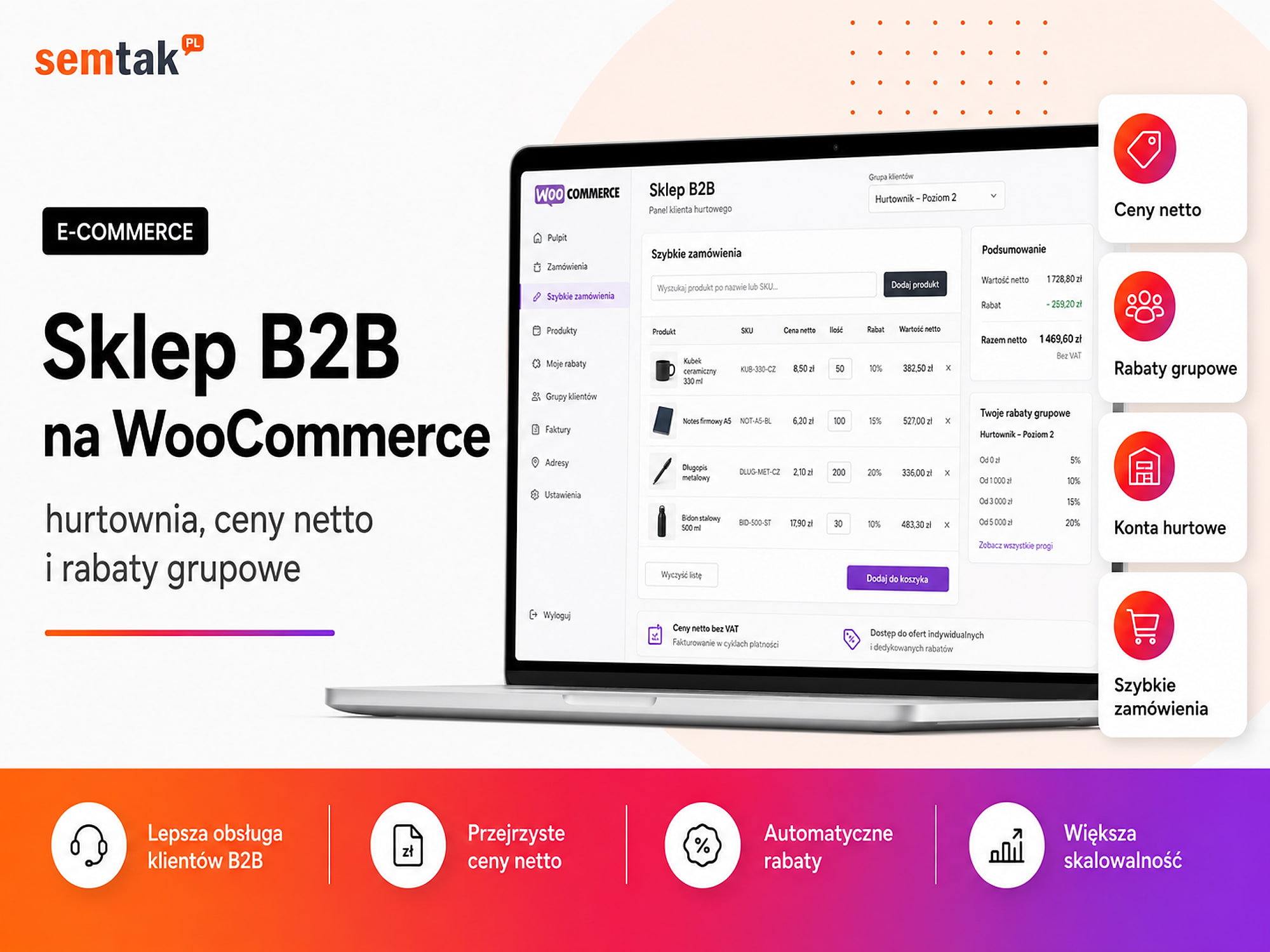
A typical B2B shop may require net prices, individual price lists, group discounts, a minimum order value, bulk packaging, account approval, deferred payments, trade credit limits, quotes instead of an ordinary cart, ERP integration, multiple warehouses and sales-rep accounts.
WooCommerce gives more freedom when the pricing rules and the order process are unusual. Example: customer A buys at the base price, customer B has an individual discount on one brand, customer C sees only a selected warehouse, a sales rep places an order on the customer's behalf, and the trade credit limit is pulled from the ERP. In a project like this, the greater ability to modify the shop's logic may be more important than the ease of the first configuration. More examples in our article on a B2B shop on WooCommerce.
Which platform scales better?
Scaling is not only about handling more traffic — a shop also grows through the catalogue, countries, warehouses, B2B, integrations and custom features.
Shoper. It can handle both small and larger shops — there are higher plans, a Premium version and solutions for more demanding projects. It works well when the shop's growth fits within the model the platform supports. The limitation appears when further development requires changing a mechanism that the SaaS does not expose for modification.
WooCommerce. It can be developed from a small shop into an extensive sales system, but this does not happen automatically. A growing shop needs a more powerful server, database control, limits on heavy plugins, a correct cron, cache, monitoring and well-prepared integrations. WooCommerce has no single fixed product limit — at the same time, simply adding a bigger server will not fix a flawed architecture.
Ask the right question
Do not ask only "how many products does the platform support?". Ask: "will the platform support the way my company will sell three years from now?". This question about the future sales process decides the choice more often than today's number of products.
Can you move a shop from Shoper to WooCommerce?
Yes — you can move products, categories, images, customers, orders and content; the hardest part, though, is not the product migration itself.
You also have to protect the old URLs, the metadata, the category descriptions, internal linking, 301 redirects, order history, customer accounts, analytics, Merchant Center, payments, shipping and integrations. Not all customer passwords can be moved between systems in a way that allows continued logins — in that case you have to prepare a password-reset process.
Migration the other way (WooCommerce → Shoper) is also possible. You have to check whether Shoper will handle all the variants, unusual product fields, customer roles, individual prices, subscriptions, custom statuses and the integrations you use. Migration should not start with a CSV export — first you have to compare the data models and processes of both platforms. You will find a full plan in our guide to migrating a shop without losing rankings.
When is Shoper the better choice?
Shoper will be a good choice when you want to launch a shop as quickly as possible and do not want to manage the technical side.
This applies when: you have no technical back end, you do not want to choose and maintain hosting, your sales process is standard, you need popular Polish payments and deliveries, you value provider support in Polish, you accept a subscription, you are not planning deep changes to the shop's core, and convenience is more important than full control. Example: a one-person company sells 150 products, uses BLIK, parcel lockers, marketplace sales and a simple invoicing program, the owner wants to manage the catalogue alone and does not work with a developer — Shoper can then be a sensible, organisationally safe choice.
When is WooCommerce the better choice?
WooCommerce is worth choosing when the shop is to be developed over many years and you treat e-commerce as an important sales system.
This applies when: you want to choose your own hosting, you need full access to the code and database, SEO is to be one of the main sales channels, you need unusual features, you are planning advanced B2B, you need integration with your own system, you want to build automations, you need a custom checkout, you want to avoid a fixed subscription for the platform itself, and you have a contractor or technical care. Example: a manufacturer sells both retail and wholesale, each customer group has different prices, and stock and trade credit limits come from the ERP; the company is planning a product configurator and expansion into several countries — WooCommerce gives such a project more room to reproduce the company's processes.
WooCommerce vs Shoper — a quick choice by situation
| Situation | More often the better choice |
|---|---|
| First, simple shop launched on your own | Shoper |
| No one responsible for the technical side | Shoper |
| Need for ready-made hosting and updates | Shoper |
| Standard B2C sales in Poland | both platforms |
| Advanced technical SEO | WooCommerce |
| Custom product configurator | WooCommerce |
| Unusual checkout | WooCommerce |
| Extensive B2B and individual price lists | more often WooCommerce |
| Ready-made integrations with the Polish ecosystem | both platforms |
| Full control over the server | WooCommerce |
| Custom modules and deep integrations | WooCommerce |
| Permanent platform provider support | Shoper |
| No subscription for the platform itself | WooCommerce |
What can you check yourself?
Before deciding, map out the order process, list the features, calculate the three-year cost, review the integrations and test both panels.
1. Map out the order process. Write down: where the products come from, where prices are changed, where the stock level is, where the order goes, who issues the invoice, who generates the label and where the customer gets the tracking number.
2. Make a list of the features you need. Split them into three groups: needed from day one, needed in a year, optional. Do not choose a platform for one feature that can be added later.
3. Calculate the three-year cost. For Shoper, include the renewal price, apps, payments and extra work. For WooCommerce — implementation, hosting, licences, care and development.
4. Check the integrations. Do not just ask whether an integration "is available". Check what data it sends, in which direction, how often, how it handles errors, how much it costs and who provides support.
5. Test both panels. Shoper offers a trial period; WooCommerce you can install on a working environment. In both, do the same things: add a product with variants, change a price, prepare a category, set up delivery, add a coupon, check an order and export the products. Only then judge which way of working is more convenient for your team.
When is it worth commissioning the choice or migration to a specialist?
Help is justified when the shop is already running and getting traffic from Google, or when you are moving thousands of products and do not know which URLs need redirects.
This also applies when you use an ERP or a multichannel order manager, sell on several marketplaces, have B2B customers, need individual prices, are planning cross-border sales, have unusual payment and shipping rules, or cannot calculate the total cost of the platform. A good pre-implementation audit should not end with "choose WooCommerce" or "choose Shoper" — it should show the required processes, the available integrations, the limitations, the cost of implementation and maintenance, the migration risks and the possible development two to three years from now.
Frequently asked questions
Which is better: WooCommerce or Shoper?
WooCommerce is better when you need full control, custom features, advanced SEO and unusual integrations. Shoper is better when you value a fast start, ready-made hosting and less technical responsibility.
Which is cheaper: Shoper or WooCommerce?
At the start, Shoper can be cheaper on a promotional subscription. WooCommerce has no fee for the platform itself, but it requires hosting, implementation and care. The cost should be compared over several years.
Does Shoper charge a sales commission?
Shoper does not charge a single commission on every order. The price list does, however, include fees for processing payments and additional fees for selected external payment integrations.
Is WooCommerce really free?
The WooCommerce core is free and open source. Hosting, building the shop, additional plugins, integrations and technical care can be paid.
Which platform is better for SEO?
Both platforms let you do SEO. WooCommerce gives more freedom in the technical, server and development areas. Shoper has the basic SEO features, such as editing metadata, URLs, canonicals and 301 redirects.
Is Shoper suitable for a large shop?
Yes. Shoper offers plans for larger shops, including Premium solutions. Before choosing, though, you have to check whether the platform will handle your specific processes, integrations and planned way of growing.
Can you move a shop from Shoper to WooCommerce?
Yes. You can move products, categories, customers, orders and content. The migration should also include a 301 redirect map, analytics, integrations and tests of the buying process.
Which platform is simpler for a beginner?
Shoper is usually simpler, because hosting and system updates are provided by the vendor. WooCommerce requires more technical decisions or working with a contractor.
WooCommerce or Shoper — the final verdict
Shoper is not a "worse WooCommerce", and WooCommerce is not a "harder Shoper" — they are two different models of running a shop. Shoper reduces the number of technical decisions; in return you pay a subscription and develop the shop within the platform. WooCommerce gives more control over the technology and the sales process; in return you have to take care of the quality of the implementation, the server, updates and maintenance.
For a simple shop launched without a technical team, Shoper can be the better choice. For a company that treats e-commerce as an important system and wants to develop SEO, B2B, automations or custom integrations, WooCommerce will more often be the better foundation. If you use Shoper today and are considering a change — do not start with a product export; first check the URLs, the traffic from Google, the integrations, the customer data and the way orders are handled.
SEMTAK can prepare an analysis and a platform-change plan:
- Shop migration to WordPress and WooCommerce — analysis of URLs, traffic and integrations before the move.
- WooCommerce store development — building the shop from scratch.
- WooCommerce or Shopify and WooCommerce vs PrestaShop — other platform comparisons.
- WooCommerce shop — the complete guide and online store SEO.